Small tools that each do one job.
Edit Markdown folders with md++, publish Markdown or HTML at a link with plan, or share a secret with otp. Each tool works on its own.
md++
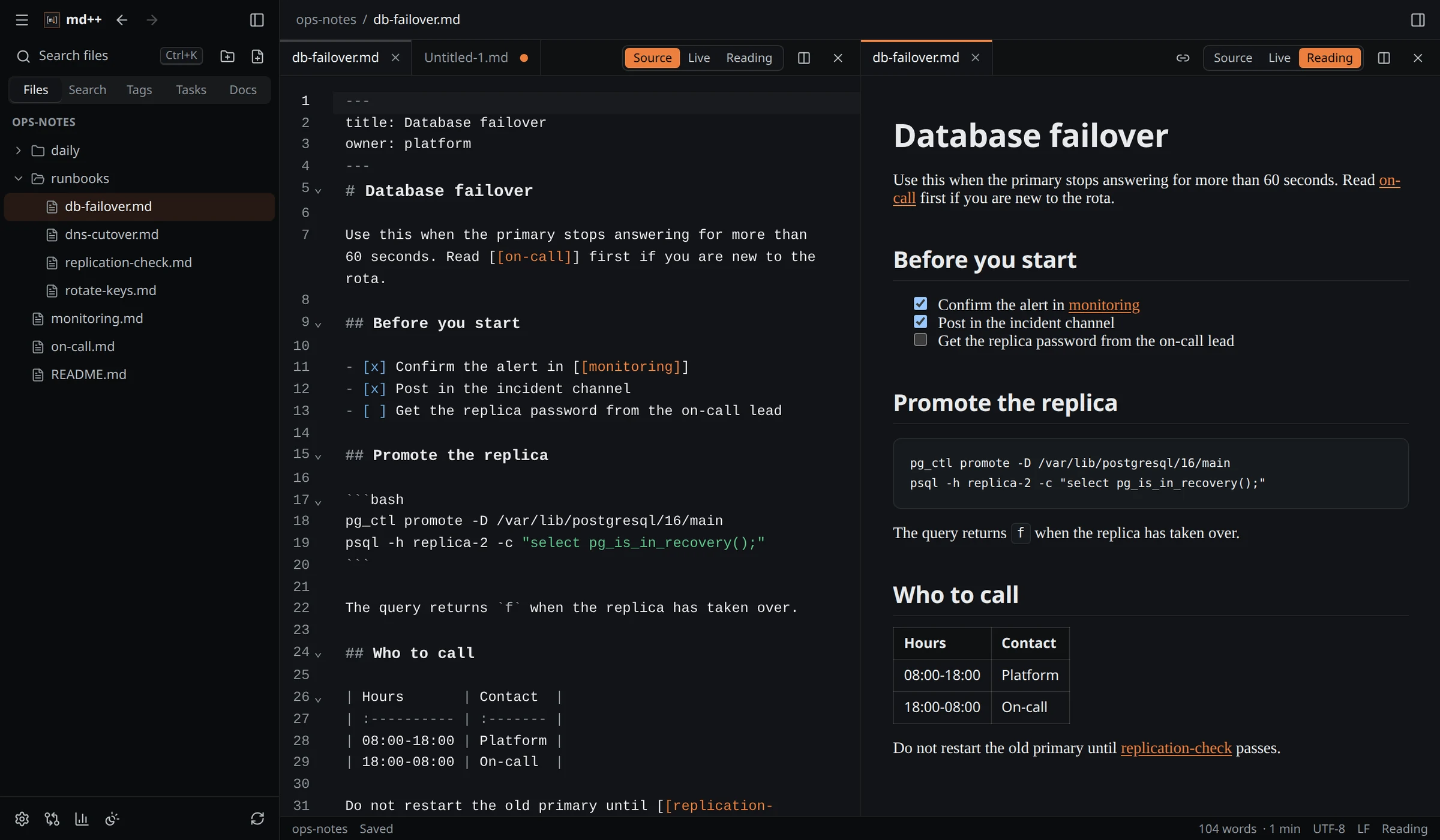
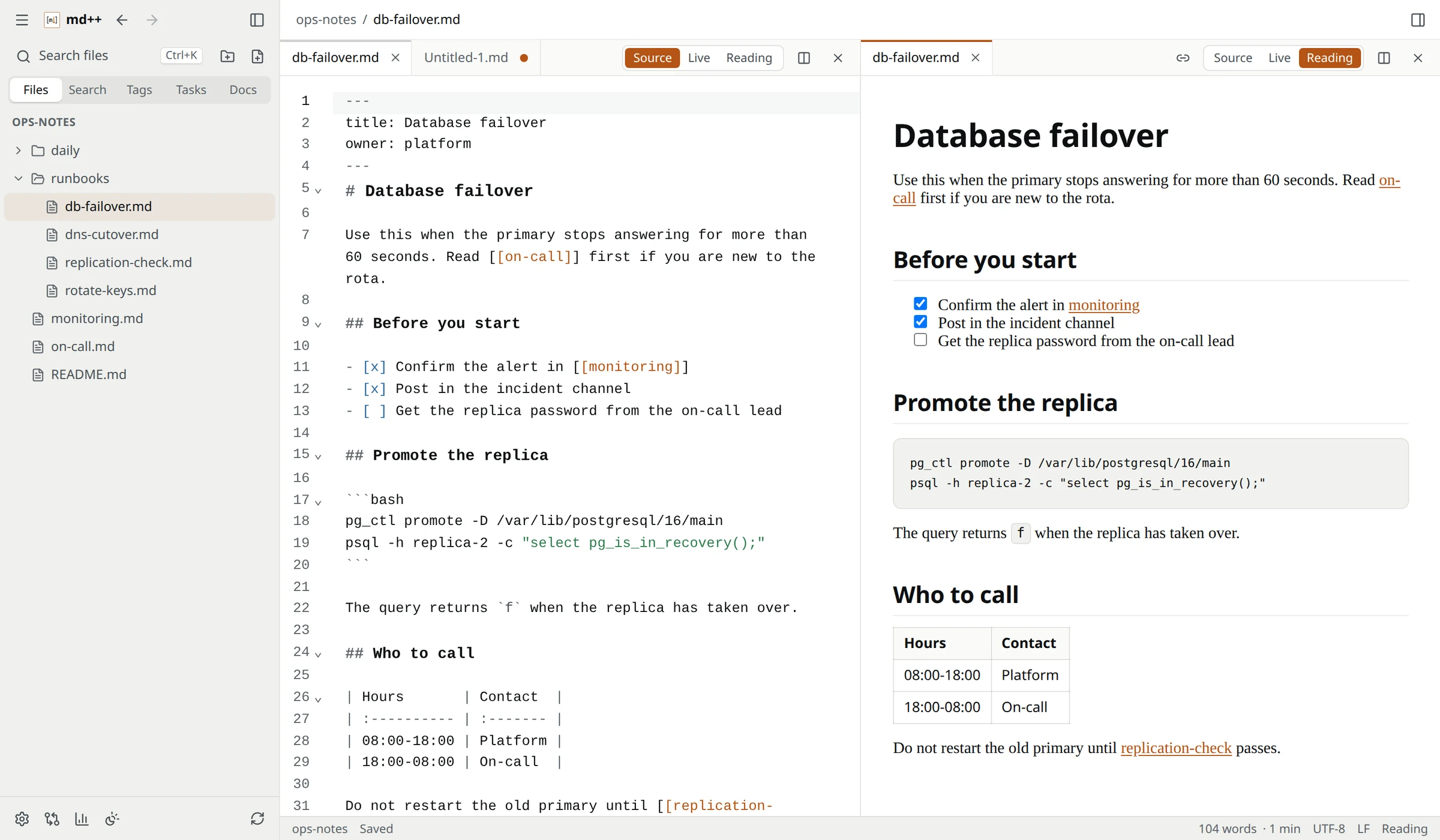
Open any folder of Markdown files and keep what you haven't saved.
- Recovery
- md++ backs up unsaved and untitled tabs locally and restores them on the next launch.
- Setup
- Use plain folders on disk. You need no vault and no account.
- Notes
- Wiki links, backlinks, tags, and daily notes work on plain .md files. Renaming a file updates every link to it.
- Search
- Find text across a whole folder with regex, including unsaved tabs.
- Formats
- Import Word, PowerPoint, Excel, and PDF as Markdown. Export PDF, HTML, Pandoc formats, and static sites.
- Editing
- Use multiple cursors, column selection, and Vim keys. Open Source, Live, and Reading views in up to four panes.
plan
Turn a Markdown or HTML file into a link.
- Publishing
- Create and update plans from the browser, the REST API, or MCP.
- History
- Every save creates a new revision. You can restore an earlier revision.
- Access
- New plans are private. Share a plan with a public URL or a signed link.
- Lifespan
- A plan stays online until you delete it, or it expires after 1 hour, 24 hours, 7 days, or 30 days.
- Rendering
- plan displays Mermaid diagrams, math, task lists, and footnotes.
otp
Share a secret through a link that deletes it.
- Security
- Your browser encrypts the secret with AES-256-GCM. The key never reaches the server.
- Views
- Allow 1, 3, 5, or 10 views, or unlimited views until the secret expires.
- Lock
- Add a password or a random 6-digit PIN. Five wrong guesses delete the secret.
- Lifespan
- A secret expires after 1 hour, 1 day, 3 days, or 7 days.
- Generators
- otp creates passwords, passphrases, PINs, API tokens, JWTs, and key pairs in your browser.